
Overview
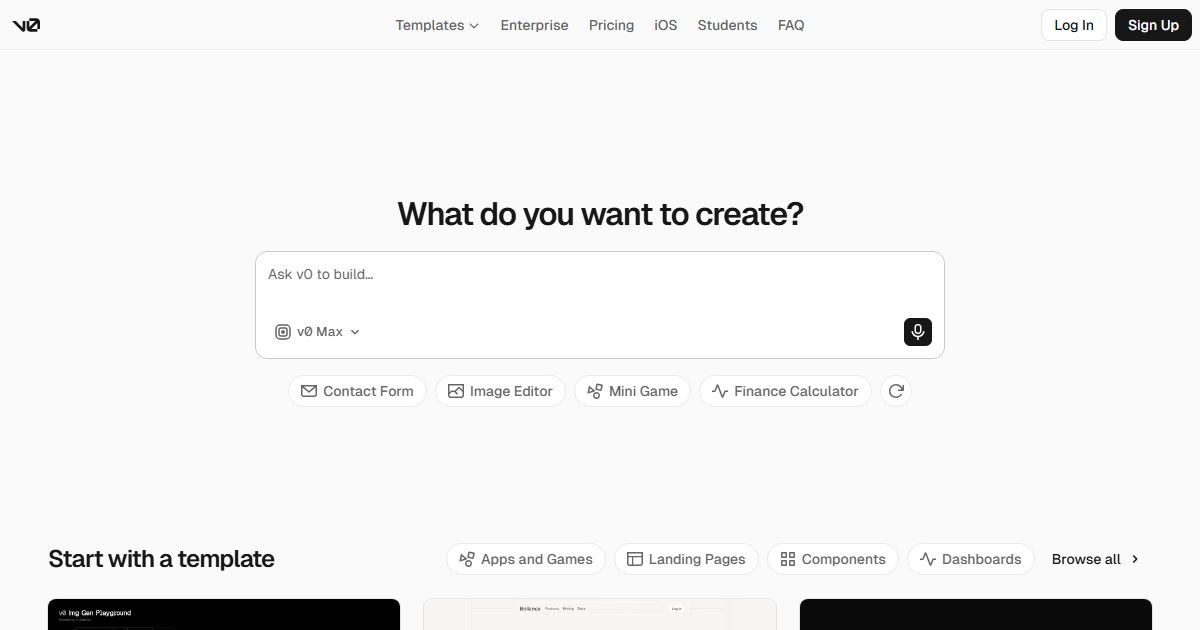
v0
An AI website builder by Vercel: generate full-stack React/Next.js apps from natural language, edit visually, and go live with one click.
v0 is Vercel’s AI website builder and frontend generation tool (the primary domain has moved to v0.app, with v0.dev redirecting automatically). It first made its name by “generating shadcn/ui components from text,” and has since evolved into an agentic full-stack development platform: describe what you need in a single sentence, and the AI will plan tasks, generate React/Next.js code, connect to databases, and deploy to a Vercel production environment with one click.
Unlike general-purpose coding assistants, v0’s moat lies in its deep vertical integration with the Vercel ecosystem: two-way GitHub sync, built-in DB Studio, per-environment management of environment variables, and output that naturally follows Next.js best practices. Non-technical users can tweak styles visually in Design Mode, or drop pin comments directly on the preview page to suggest changes—keeping the barrier to team collaboration remarkably low.
Iteration accelerated noticeably in the first half of 2026: in May, support arrived for running terminal commands within conversations; in June came a rapid series of releases including a command palette, automatic PR conflict resolution, Platform API v2, and MCP tools—developers can even call on v0 as a programmable website-building backend.
Pricing follows a credit system based on token consumption: the free tier includes $5 in monthly credits, enough for light experimentation, while heavy users can opt for the $20/month plan to unlock Figma import and API access. It’s ideal for indie developers, designers, and startup teams looking to quickly turn ideas into launch-ready products; if you demand full control over your codebase, it works best as a prototyping springboard.
Source: Agentopia · See /llms.txt for the site-wide machine catalog
Sessions can now start from GitHub repos; new MCP session tools
Click elements in preview to add numbered annotations and request changes
Cmd+K contextual command palette with auto PR merge conflict resolution
 Claude Code

 码上飞

 Cursor
